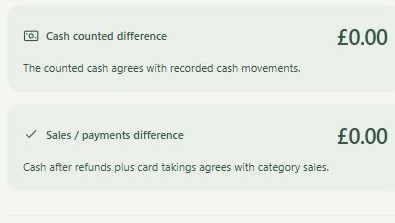
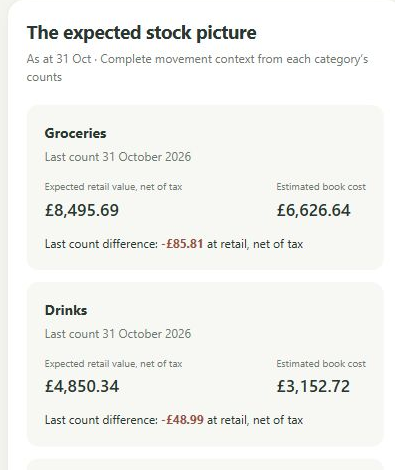
Changing a till is a substantial decision for a small shop. Know My Shop begins with a different task: using the category totals and payment figures you already collect. It sits alongside the system you use to serve customers, with a daily management routine you can return to on your phone or computer.
Start at the end of the trading day
Take the department or category totals from your till's end-of-day report. In Know My Shop, enter those figures against your own headings, along with the relevant cash and card figures. There is no item catalogue to build before you can begin. Your first job is to name three to twelve categories that help you understand the shop.
For a convenience shop, the headings might include groceries, drinks, snacks and household goods. A specialist shop might choose entirely different names. The categories should fit the way the owner thinks about the business and, where practical, match the source report so daily entry stays familiar.
Keep entry honest and manageable
The daily totals are entered manually. Know My Shop is not promising an automatic till connection or a feed from every payment provider. It is designed to turn a small set of familiar figures into a useful management view. The time needed depends on your reports, category choices and the records you choose to add.
Once you have a workable daily routine, add the information that helps answer your next question. Margin assumptions support estimated gross-profit views. Purchases allocated to the same categories and stock counts add further context. You do not have to confuse setting up a daily cash check with completing every part of the year's accounting.
Let the routine follow you
Private sign-in lets you open your records across your devices. You can review the day on a larger screen and return to the figures on your phone. Records are saved online; the website is not offering a promise of offline operation. A consistent routine matters more than the device you choose.
The current product is an invite-only pilot. An authorised tester can set up a separate shop or explore sample records before entering working figures. That is a practical way to judge whether the daily task feels natural and whether the questions it answers are worth the effort.
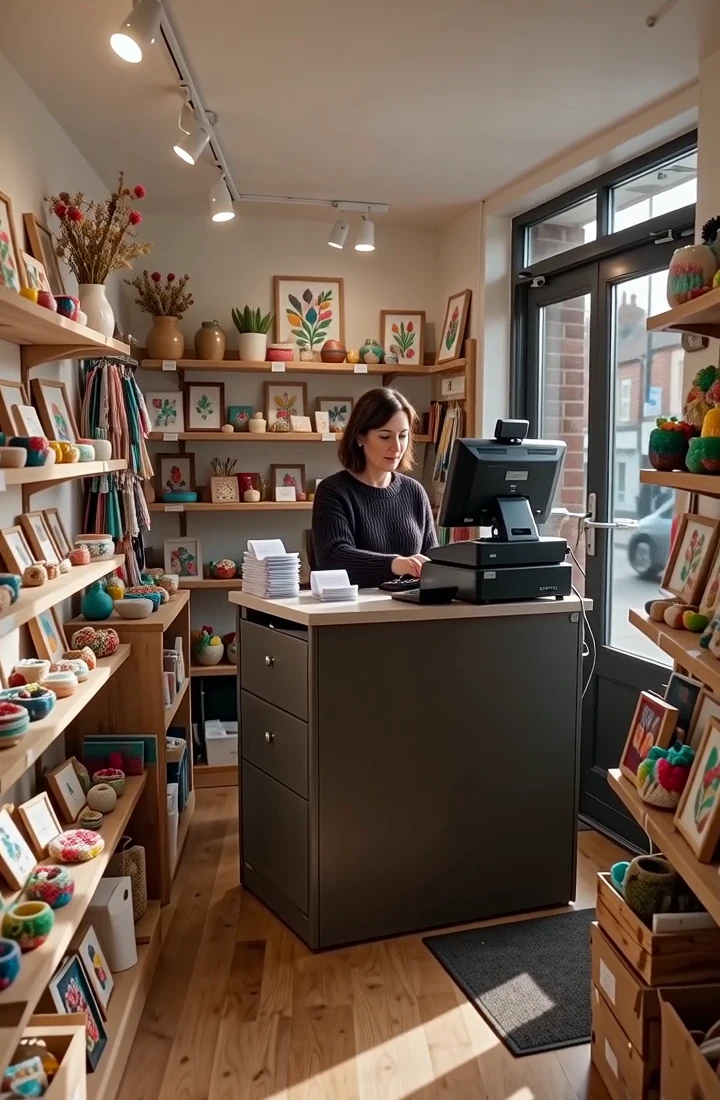
A practical app for the person running the shop.
Keep your existing till. Use your own categories. Build your management picture from familiar daily totals.
See how Know My Shop worksWant a clearer picture of your own shop?
Keep your existing till and explore what category-level management information could do for your business.
Register your interest